How to Build a Game with Vue.js
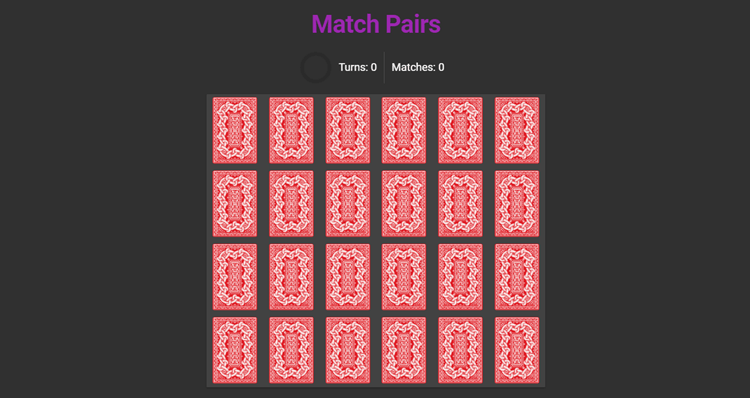
Here are three screenshots showing the starting, playing, and finishing phases of the game:


Getting Started
Now it’s time for action. To follow along with this, you’ll need to have Node, npm and Vue CLI installed on your system.
To install Node (and by default npm), you can download the binaries for from the official website, or use a version manager. This is probably the easiest way, as it allows you to manage multiple versions of Node on the same machine.
To install the CLI run:
Code snippet
npm i -g @vue/cli