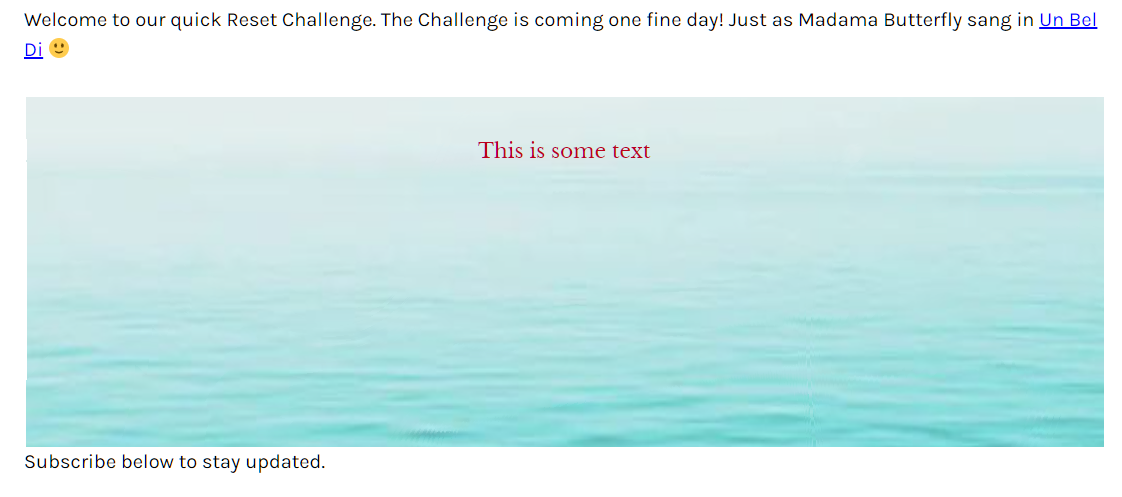
Hi - this site is moving the cloud and wave images.
It seems from google we can do it with html & css but I can’t get it to work. Please how can I take the wave image on that site - 11062b_95d34f15761e4114a57b17823228948ef000.webp - and make it move like that using html and css? Thank you!
What I really need is the waves in the background and another static image in the foreground. Is that possible? Once I’ve entered the html & css for waves, to have an image OR text display in foreground, overlaying the waves but with no white space round the text or image
As far as I can tell with a brief look, the site is using mp4 video files for the moving images. I think the stills are just a fall-back image or holding frame for the video.
Something close to that might be possible using SVG but if so then it would be advanced stuff. Otherwise a video such as what they are using or some complicated JavaScript is probably the only possibilities.
Use animation programmes such as Blender or Adobe After Effects to generate realistic moving waves and clouds. To create realistic motion, these tools provide a variety of animation features and effects.
wow this is cool Paul but now what if I need to add an image on top? It pushes the water image down instead of to the background: https://greensmoothie.com/reset
No one is saying they are not scalable, but that most images have an aspect ratio and it is usually undesirable to break that ratio. Therefore the width and height should be scaled together in proportion. I believe that was the message here.
In this case we are dealing with the presentation of a real world image and as I said already you can’t really stretch one dimension without distorting the image.
Of course it is actually possible to stretch one dimension in the svg or an image but that would break the aspect ratio and is not desirable. I don’t want a squashed seascape picture for this example.
 I tried that but nothing displays? All I did was –